Parametric joinery
Traditional joints that recut themselves when the timbers change
In Kumiki, a joint is a function of the timbers it connects—not a boolean box you draw by hand. Change a timber’s cross-section, move a post, or steepen a roof pitch, and every shoulder, housing, tenon, wedge and peg hole is recomputed from the geometry.
Posts, beams and braces
Mortise and tenon
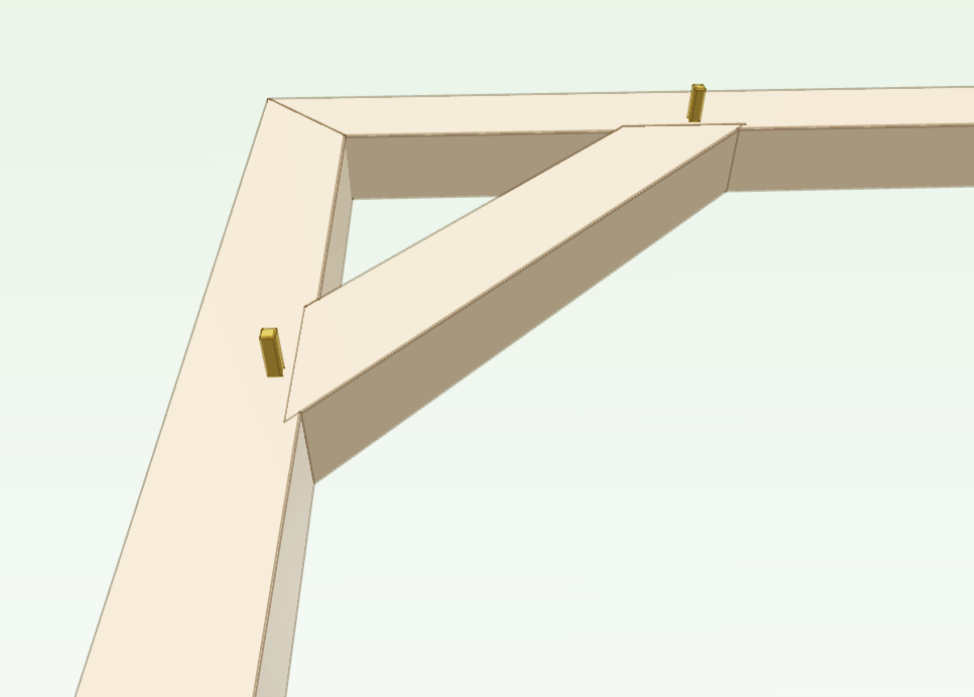
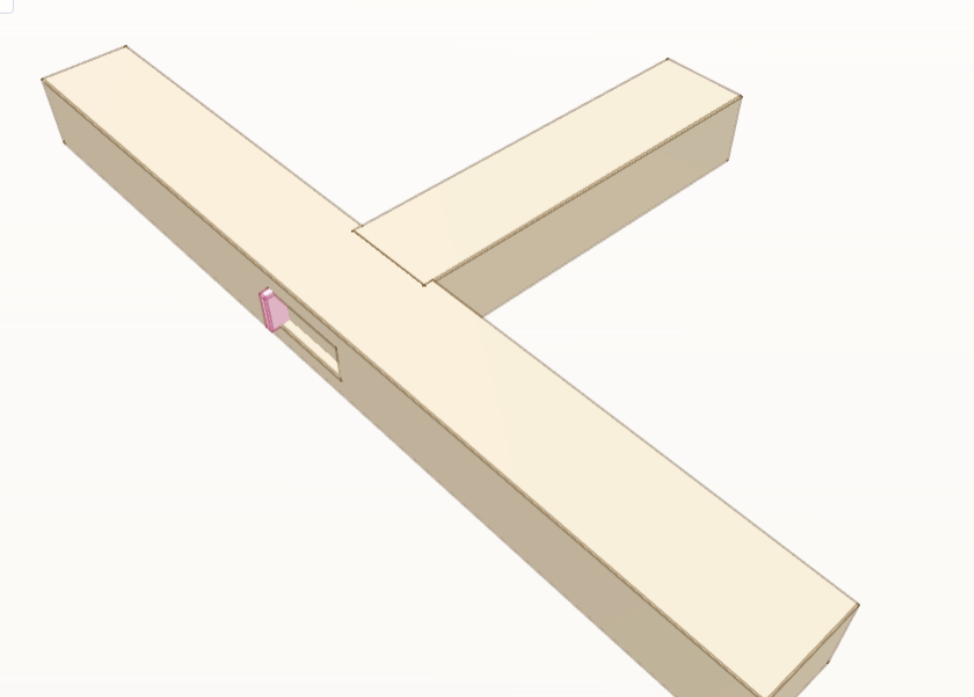
The workhorse of a timber frame. A tenon on the end of one timber enters a mortise in the face of another, with optional housings, shoulders, draw-bored round or square pegs, wedges, or tusks. When a post or beam changes size, the tenon thickness, shoulder plane and peg holes recut to match.
- Mortise and tenon (pegged, housed, or blind) 枘差し / Hozo-sashi
cut_basic_mortise_and_tenon_joint_on_face_aligned_timbers - Wedged half-dovetail mortise and tenon 車知栓仕口 / Shachi-sen
cut_basic_wedged_half_dovetail_mortise_and_tenon_joint_on_face_aligned_timbers - Tusked through mortise and tenon 割り楔枘 / Warikusabi-hozo
cut_basic_practice_tusked_mortise_and_tenon_joint_on_plane_aligned_timbers
Joists, girts and opposing beams
Drop-in and double butt joints
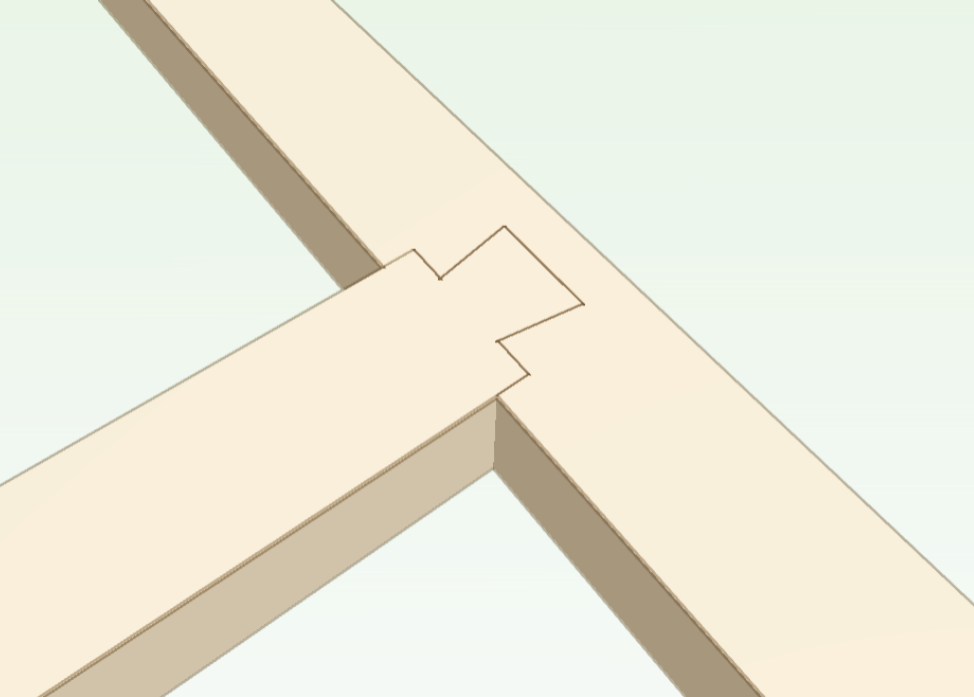
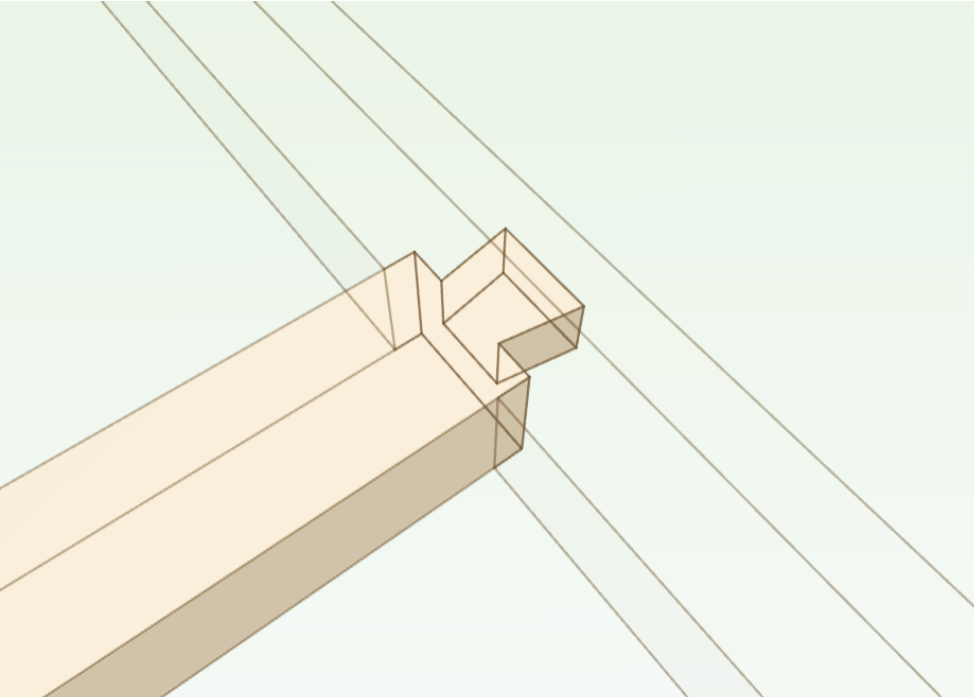
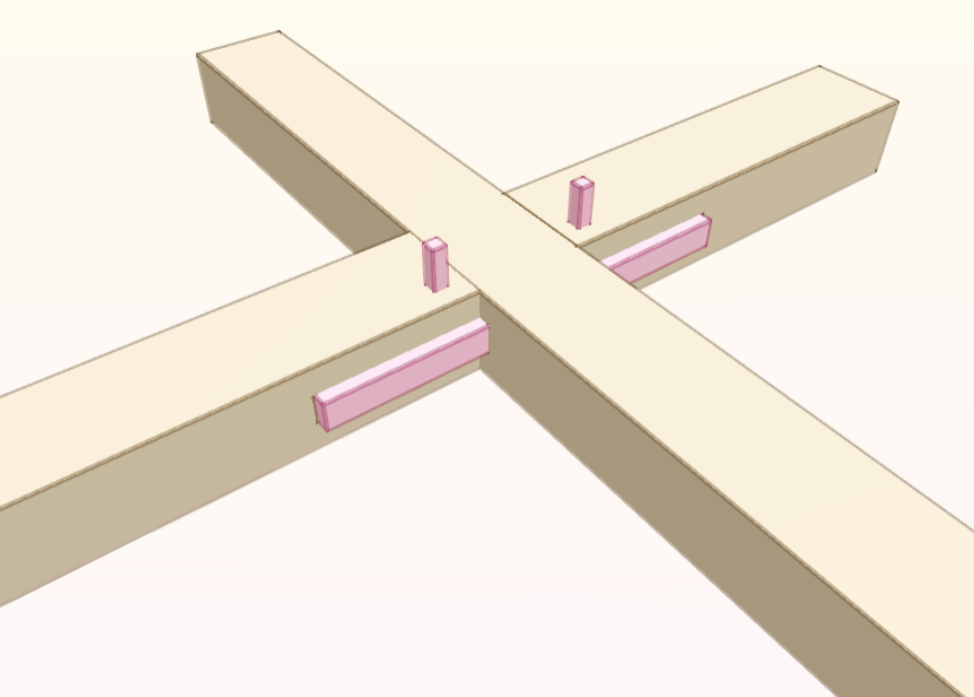
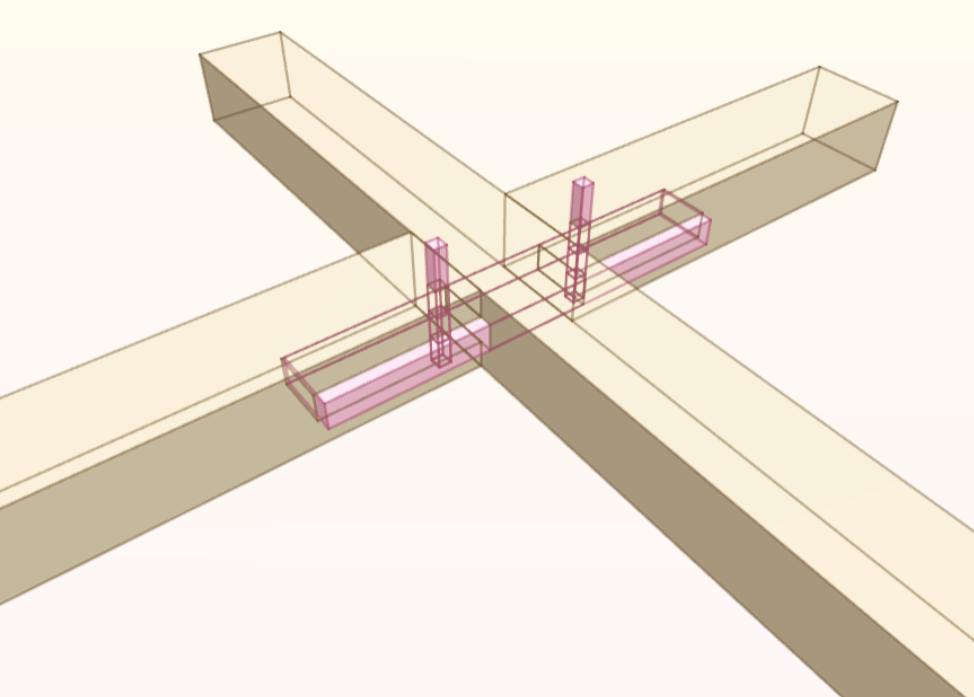
Floor joists and girts often drop into pockets from above so they can be set after the main bents are raised. Where two beams meet from opposite sides of a post, a shared spline or opposing tenon ties them through the post without blowing out the mortise.
- Drop-in dovetail butt joint 蟻落し仕口 / Ari-otoshi
cut_dropin_dovetail_butt_joint_on_face_aligned_timbers - Drop-in housed butt joint 大入れ仕口 / Oire-shiguchi
cut_basic_dropin_housed_butt_joint_on_face_aligned_timbers - Splined opposing double butt joint 雇い枘差し / Yatoi-hozo
cut_basic_splined_opposing_double_butt_joint_on_face_aligned_timbers
Extending sills, plates and girts
Splice and scarf joints
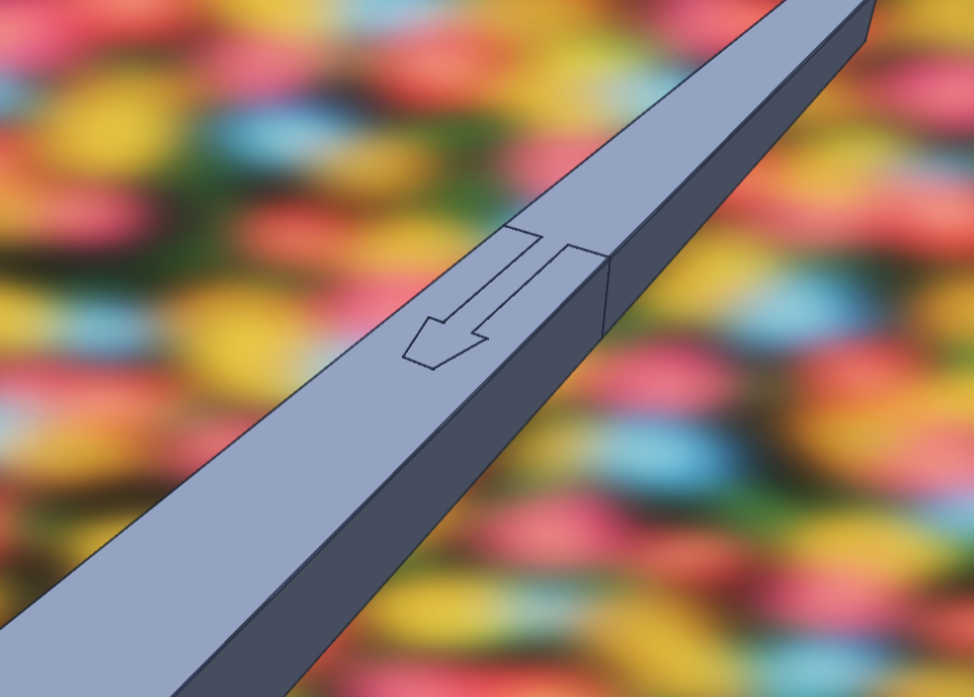
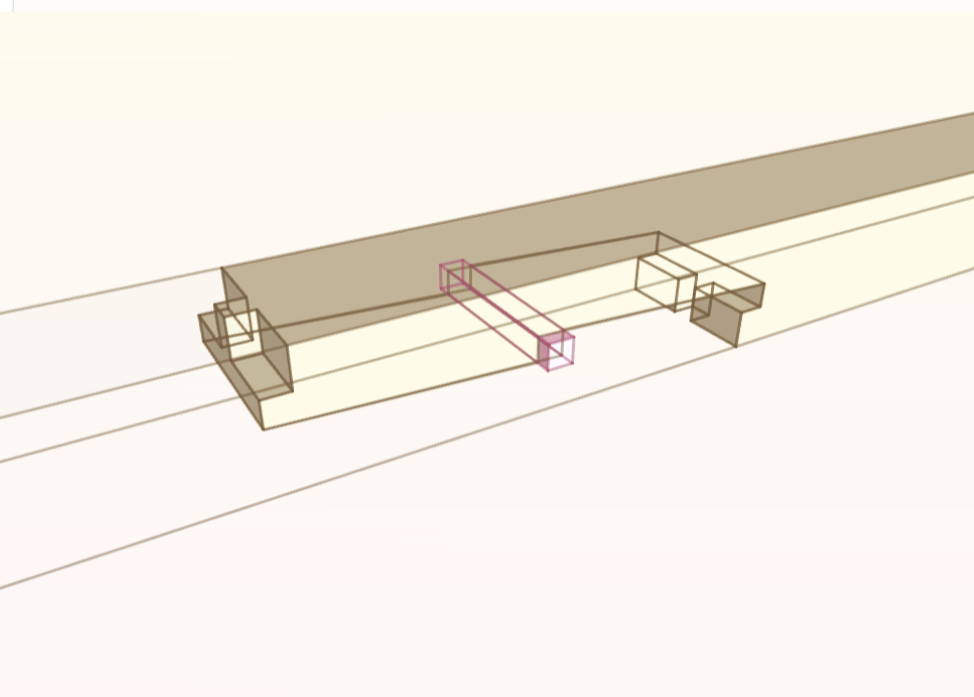
When a mudsill or top plate runs longer than a single stick of lumber, a lengthening joint (tsugite) joins two collinear timbers end to end. From simple half-laps to interlocking gooseneck and rabbeted oblique scarfs, each cut is sized from the member's cross-section.
- Lapped gooseneck splice 腰掛鎌継ぎ / Koshikake Kama-tsugi
cut_basic_lapped_gooseneck_joint_on_aligned_timbers - Half-blind tenoned dadoed rabbeted scarf 金輪継ぎ / Kanawa-tsugi
cut_basic_kanawa_tsugi_joint_on_aligned_timbers - Splice half-lap joint 相欠き継ぎ / Aikaki-tsugi
cut_basic_plain_splice_lap_joint_on_aligned_timbers
Sill corners, rafter peaks and crossing members
Corner, bridle and cross-lap joints
Corners meet as plain miters, half-laps, dovetails, tongue-and-fork (bridle) rafter peaks, or mitered-and-keyed laps that hide the end grain on the outside of the corner. Crossing timbers half-lap equally or house one member into a dado in the other.
- Mitered and keyed corner lap 箱相欠き車知栓仕口 / Hako Aikaki Shachi-sen
cut_basic_mitered_and_keyed_lap_joint_on_plane_aligned_timbers - Tongue and fork corner (bridle joint) 組手 / Kumite
cut_basic_tongue_and_fork_corner_joint_on_plane_aligned_timbers - Cross-lap and housing (dado) joints 渡り腮 / Watari-ago
cut_basic_plain_cross_lap_joint_on_face_aligned_timbers
How Kumiki compares to general-purpose CAD
Mechanical CAD tools model arbitrary solids; Kumiki models timbers, grain direction, reference arrises and joinery rules.
| Capability | Kumiki + Kigumi | OpenSCAD / CadQuery | SketchUp / FreeCAD |
|---|---|---|---|
| Built-in wood joinery | 30+ parametric joints (M&T, dovetails, scarfs, housings, pegs) | Manual CSG boolean cutouts | Manual drawing or static plugins |
| Resizing a timber | Shoulders, tenons, pockets and pegs recut automatically | Requires rewriting coordinate math | Often breaks adjacent faces |
| Wood grain & local faces | First-class grain axis (BOTTOM to TOP) and reference edges | None (isotropic meshes/BREPs) | None |
| Assembly order verification | Computed from joint insertion directions with timeline playback | None | None |
| AI agent authoring | Built-in agent, MCP server, exact symbolic rules, headless PNG render | Prone to floating-point CSG misalignment | GUI-bound, not text/git native |
Questions
Why use Kumiki instead of OpenSCAD, CadQuery, FreeCAD or SketchUp for wood joinery?
In general-purpose CAD, a joint is a boolean subtraction you draw by hand: if you change a post from 4x4 to 6x6 or change a rafter angle, the mortise, shoulder and peg holes break. In Kumiki, every joint is a function of the timbers it connects, so shoulders, housings, tenon thicknesses and clearances recalculate automatically.
Does Kumiki support both Japanese joinery (kigumi) and Western timber framing?
Yes. Kumiki includes traditional Japanese splicing and connecting joints (koshikake kama-tsugi, kanawa-tsugi, ari-otoshi, oire-shiguchi, watari-ago) alongside classic Western square-rule and mill-rule timber framing joints (draw-bored mortise and tenon, tusked tenons, bridle joints, cross-laps and housings).
How do I choose between basic_joints and full joint functions?
Start with cut_basic_* functions (such as cut_basic_mortise_and_tenon_joint_on_face_aligned_timbers). They derive standard carpentry proportions—like a 1/3-width tenon—from the timbers automatically. When you need exact control over shoulder insets, tenon offsets or peg placement, switch to the underlying cut_* function.