Programmatic CAD
Timber framing and woodworking design made easy
Kumiki is a purpose-built programmatic CAD tool for timber framing and woodworking, with real parametric joinery and fast agentic workflows. Use the Kigumi VS Code extension to view your designs and plans as you iterate.
- Joint types
- 30+
- Runs in
- VS Code
- Exports
- STL & OBJ
How it works
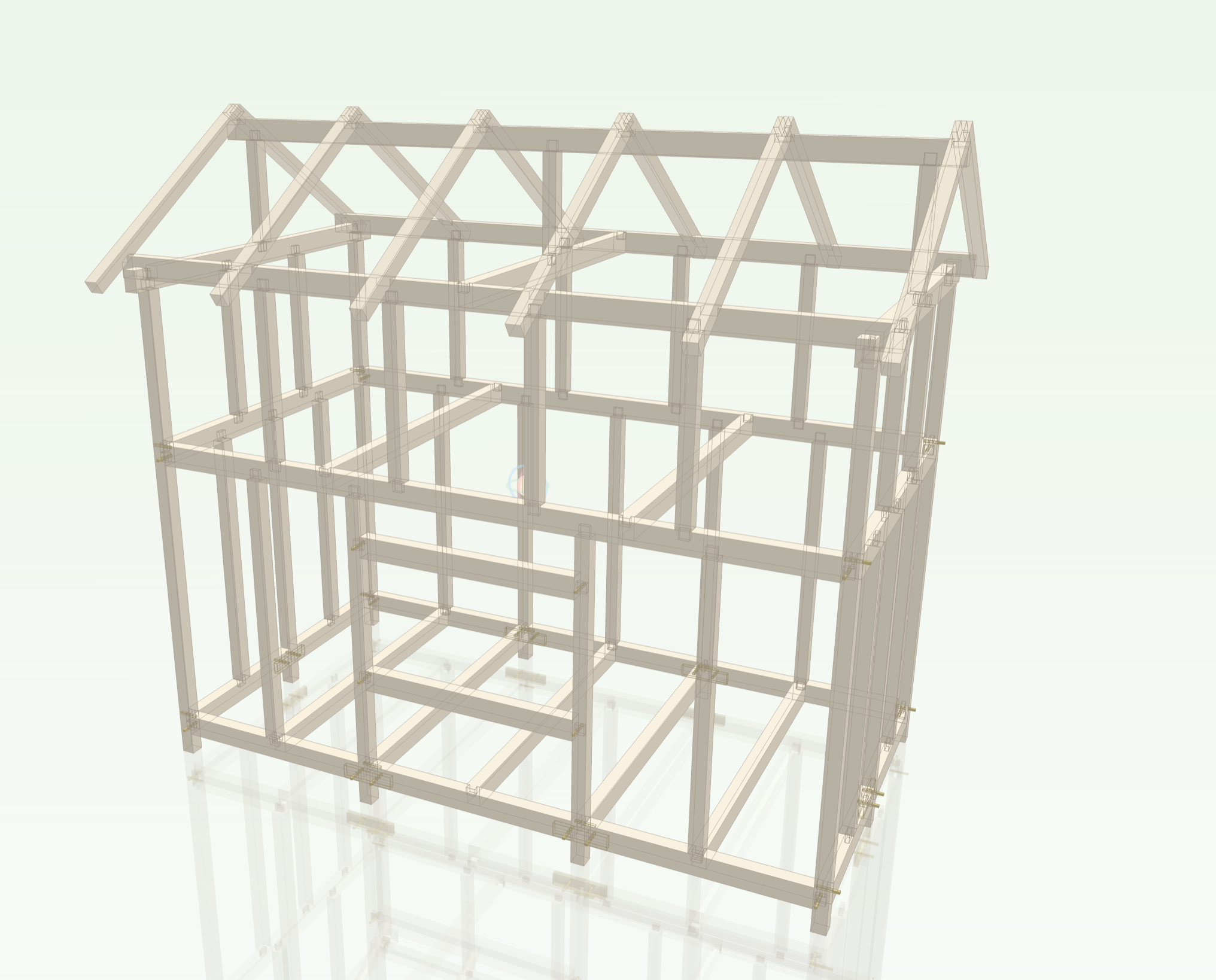
Python in, frame out
Frame designs are parametric programs
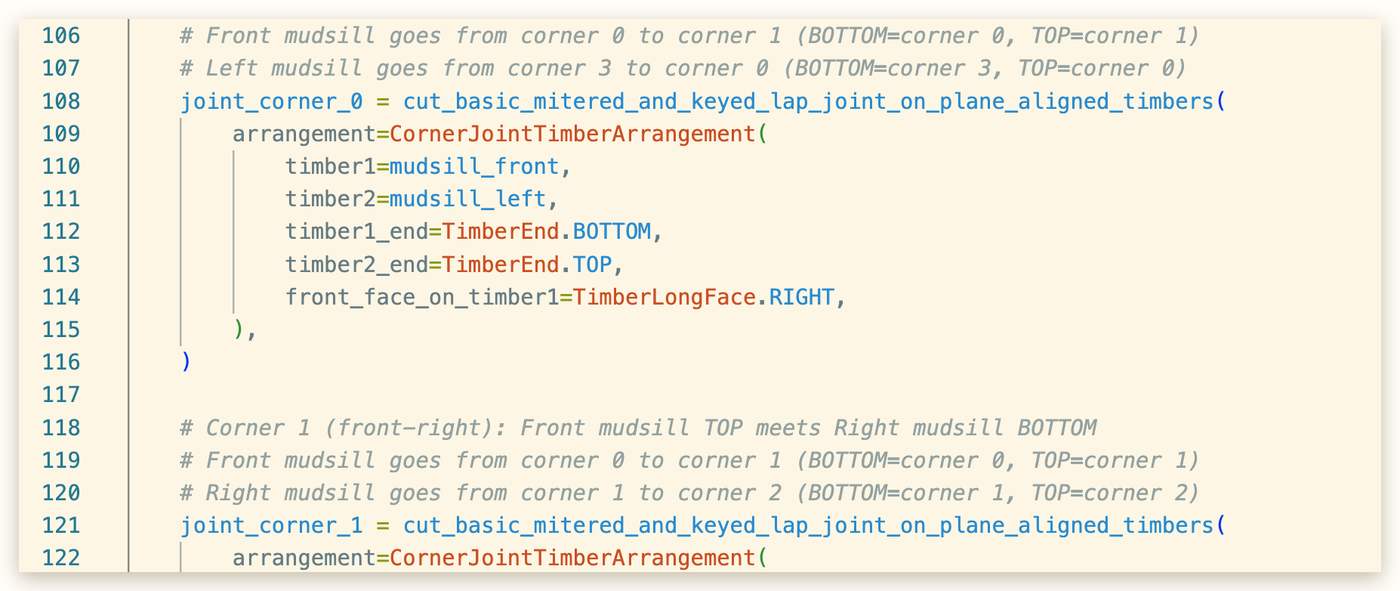
Timbers, joints and assemblies are ordinary Python. Change a span and every joint that depends on it moves. Keep a frame in git, review a change as a diff, import a bent you already built and place it four times.
- Joints are functions, precise, customizable, documented
- Patterns compose: a bent becomes a bay becomes a building
- Easily author designs using AI of your own choice
The VS Code extension
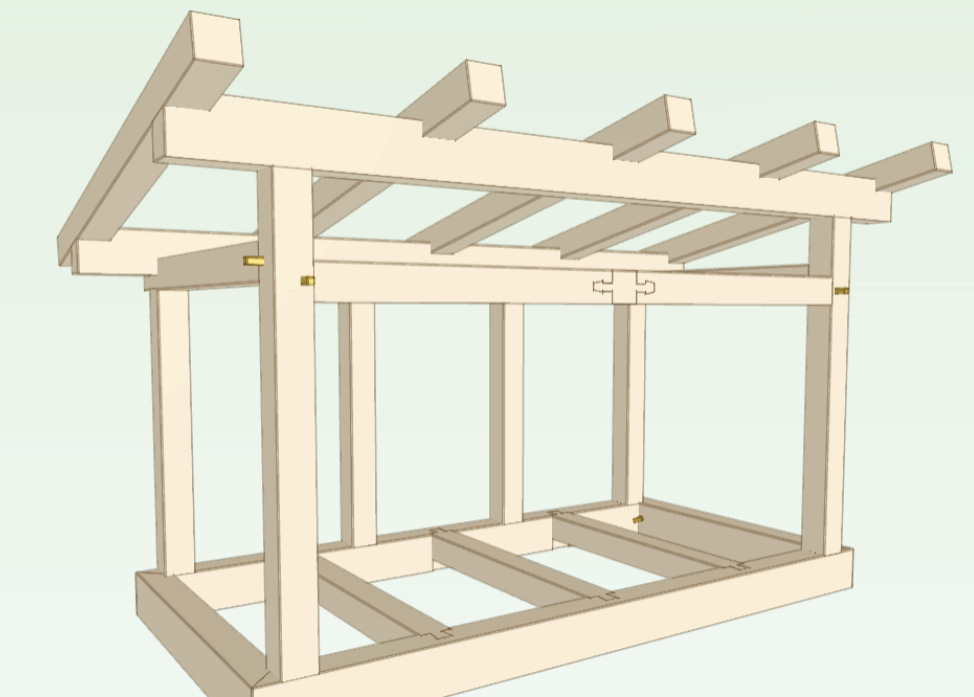
Preview designs with the Kigumi VS Code extension
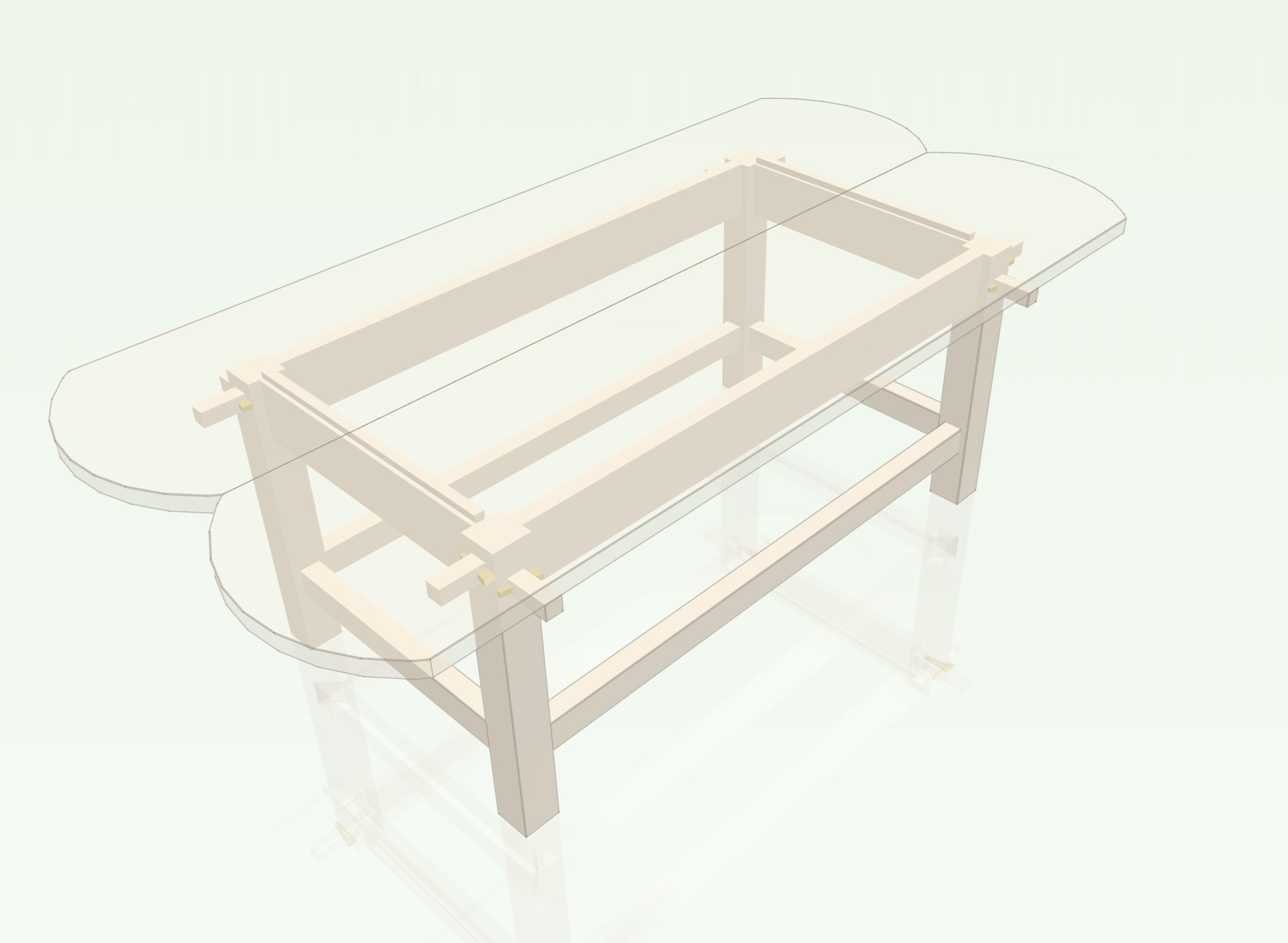
Kigumi runs the frame and renders it in the editor. Select a timber and read its dimensions, walk into a joint's CSG tree, hide layers, cut sections, and measure what you are looking at.
- Selection down to a single face, edge or joint feature
- Layers, tags and per-member visibility for picking a frame apart
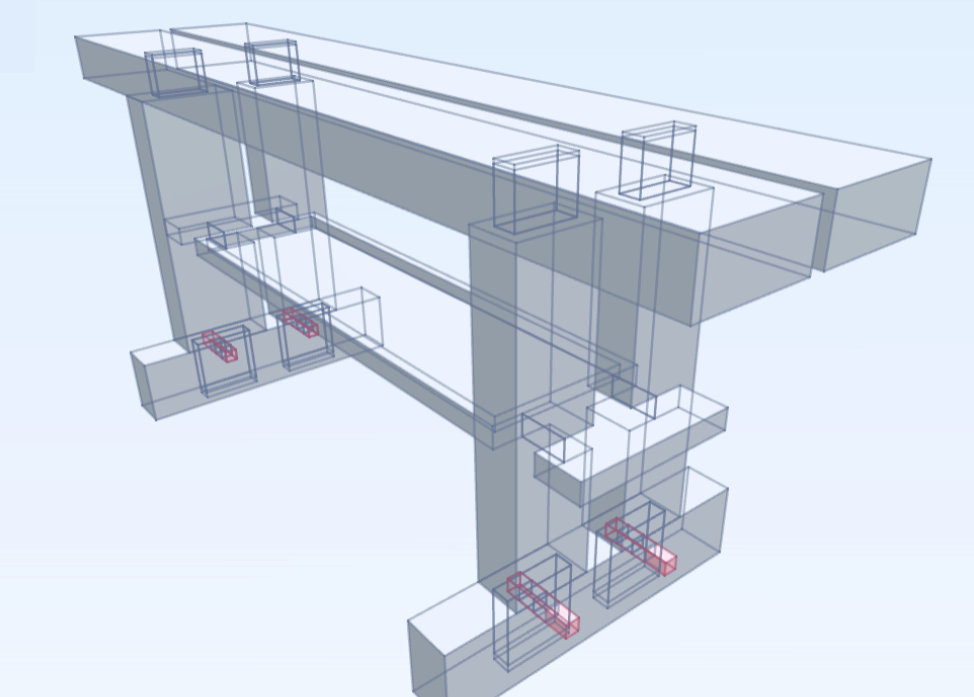
- X-ray and section views for reading a joint from the inside
Joints, not boolean cuts
Traditional joints that stay correct when the timbers change
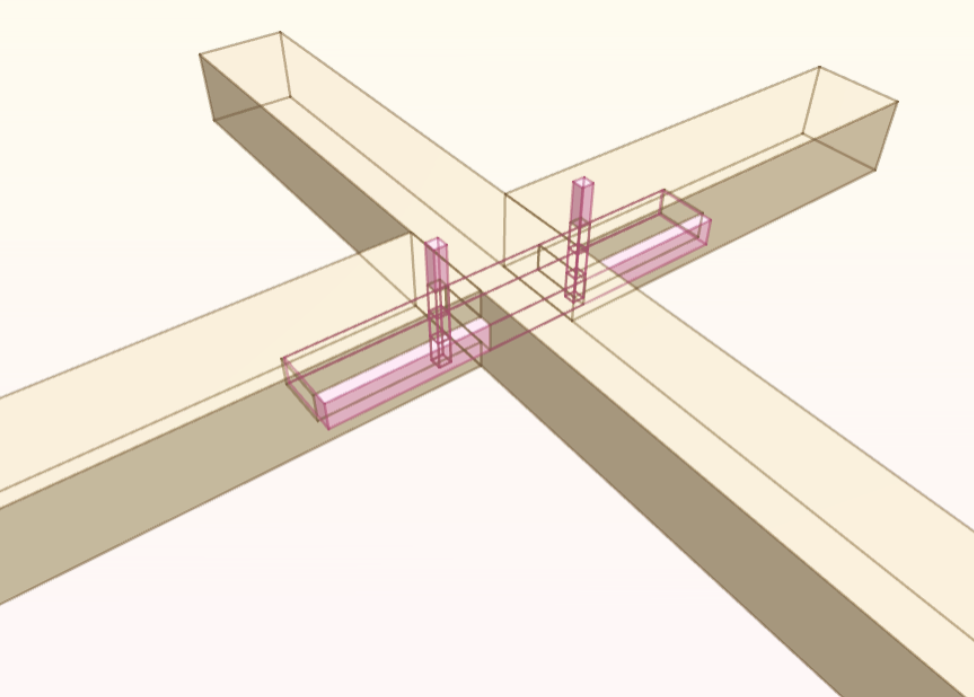
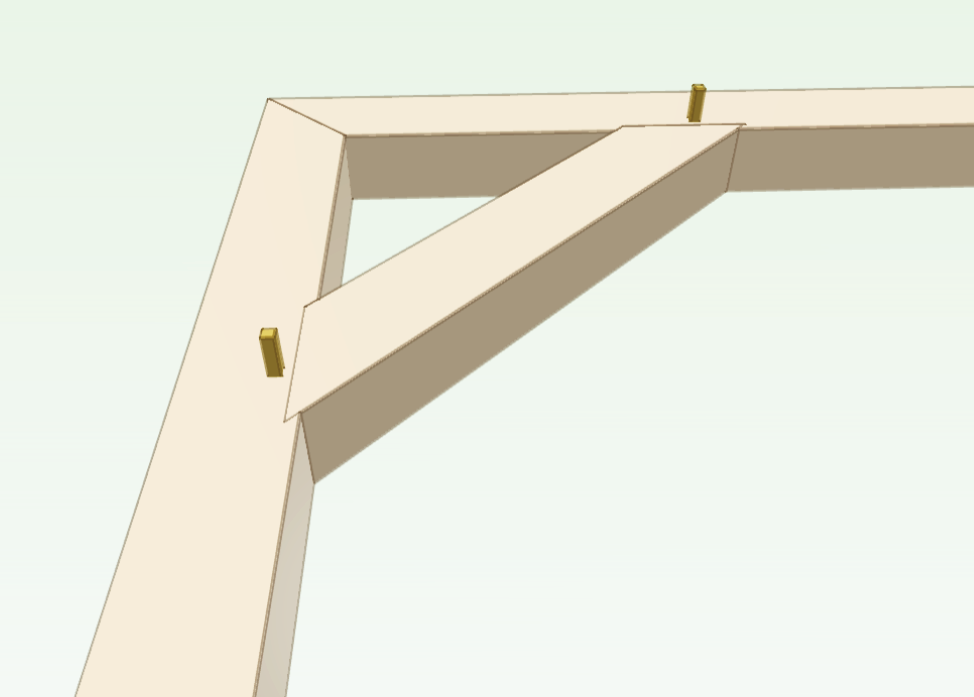
Mortise and tenon, dovetails, half-laps, scarfs, wedged and pegged variants — each one is a parametric joint that re-cuts itself when the timbers it joins move, change size, or meet at a different angle.
- Housings, shoulders, reliefs and pegs automatically derived from timbers, not manually drawn
- Myriad configurations possible for each joint with simplified methods for plain and square joints
- Over 30+ joints supported with more being added regularly
Shop drawings
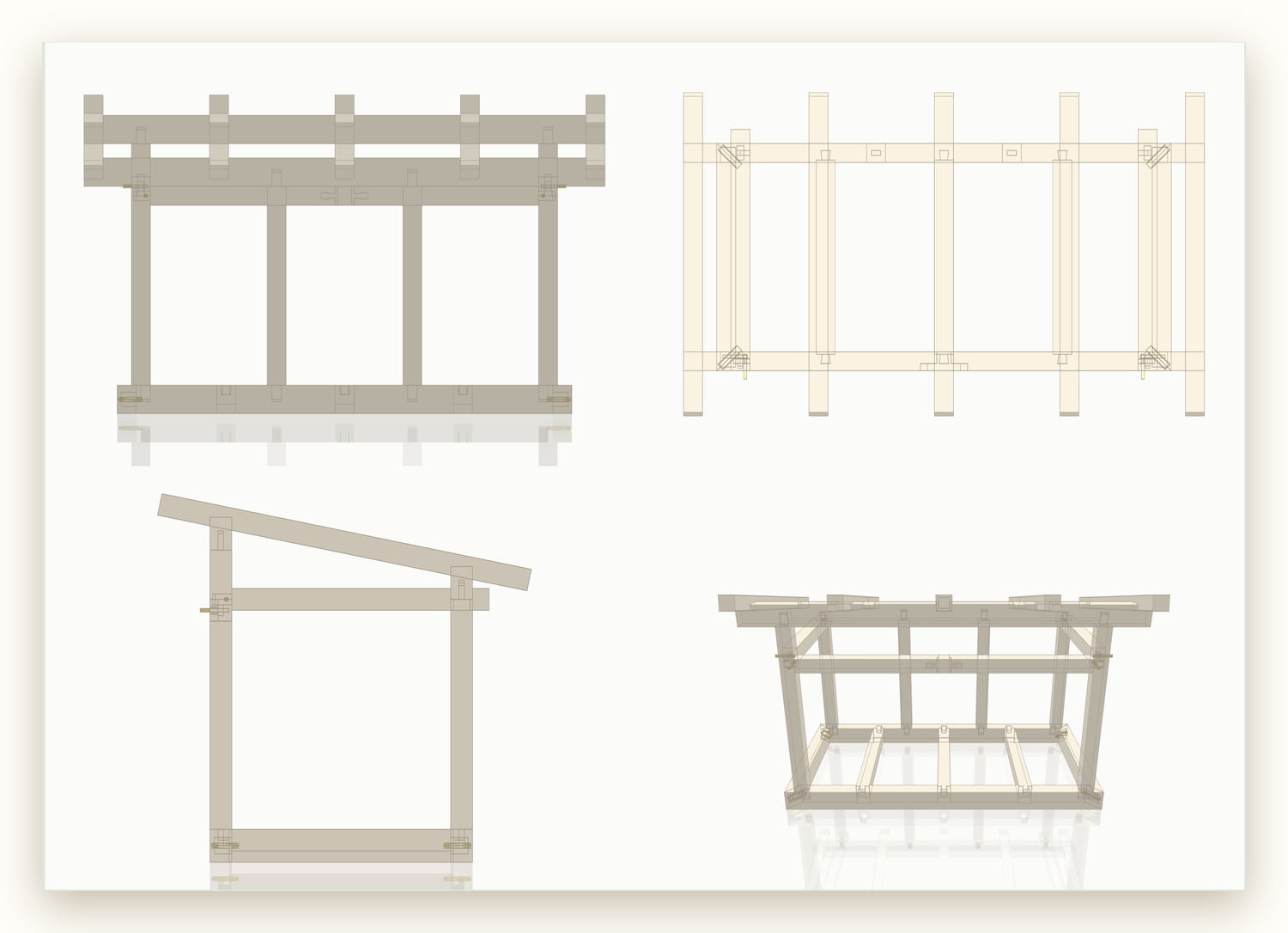
Elevations and plans generated from the frame itself
A drawing is a projection of the model, so it cannot drift from it. Kumiki lays the views out from the timbers themselves — you never place a viewport or a scale.
- Generated automatically from the frame
- Customised in code, where the drawing is part of the design
- Overridden by hand in Kigumi when a sheet needs one more dimension
Order of operations
The order the frame goes together, worked out from the joinery
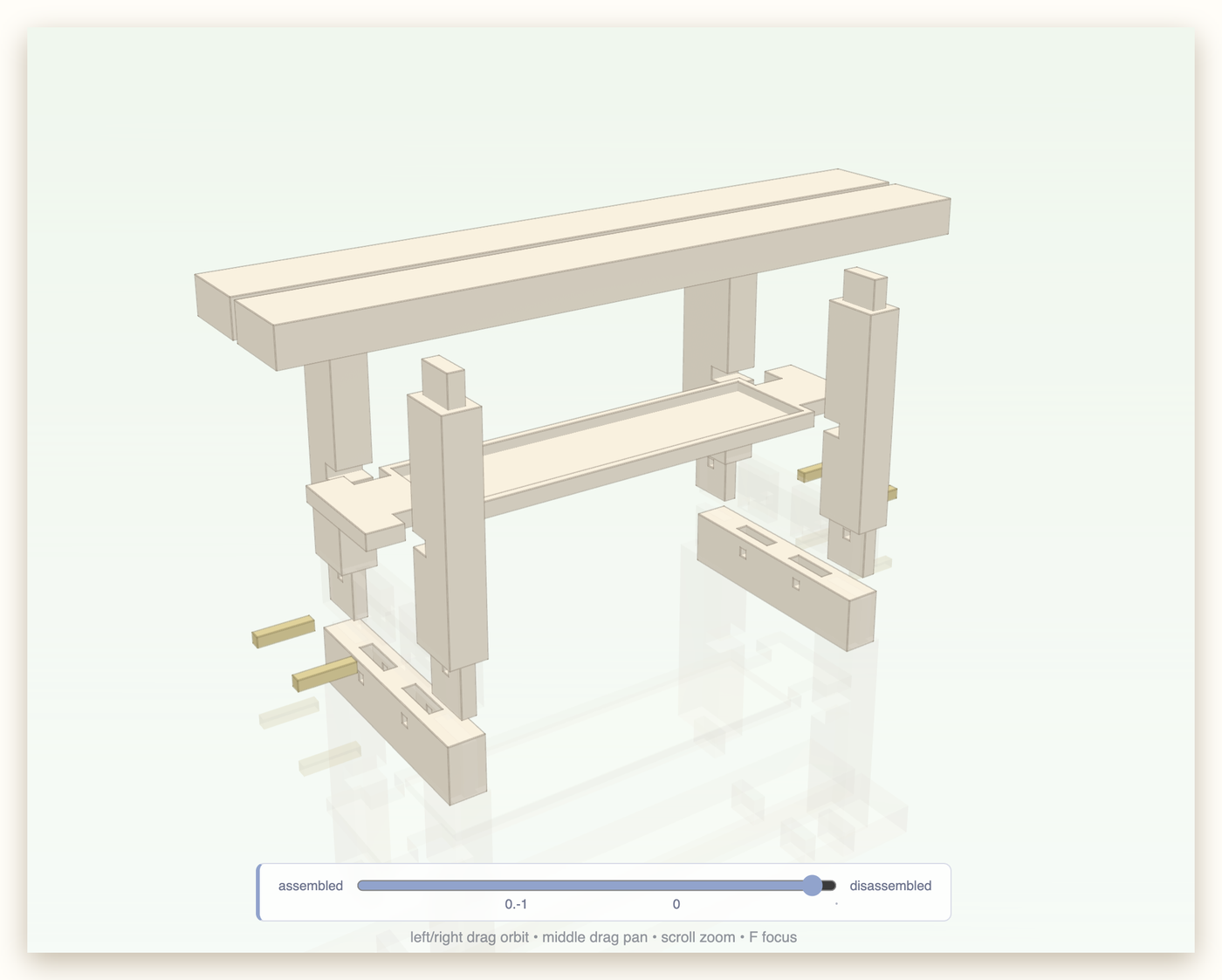
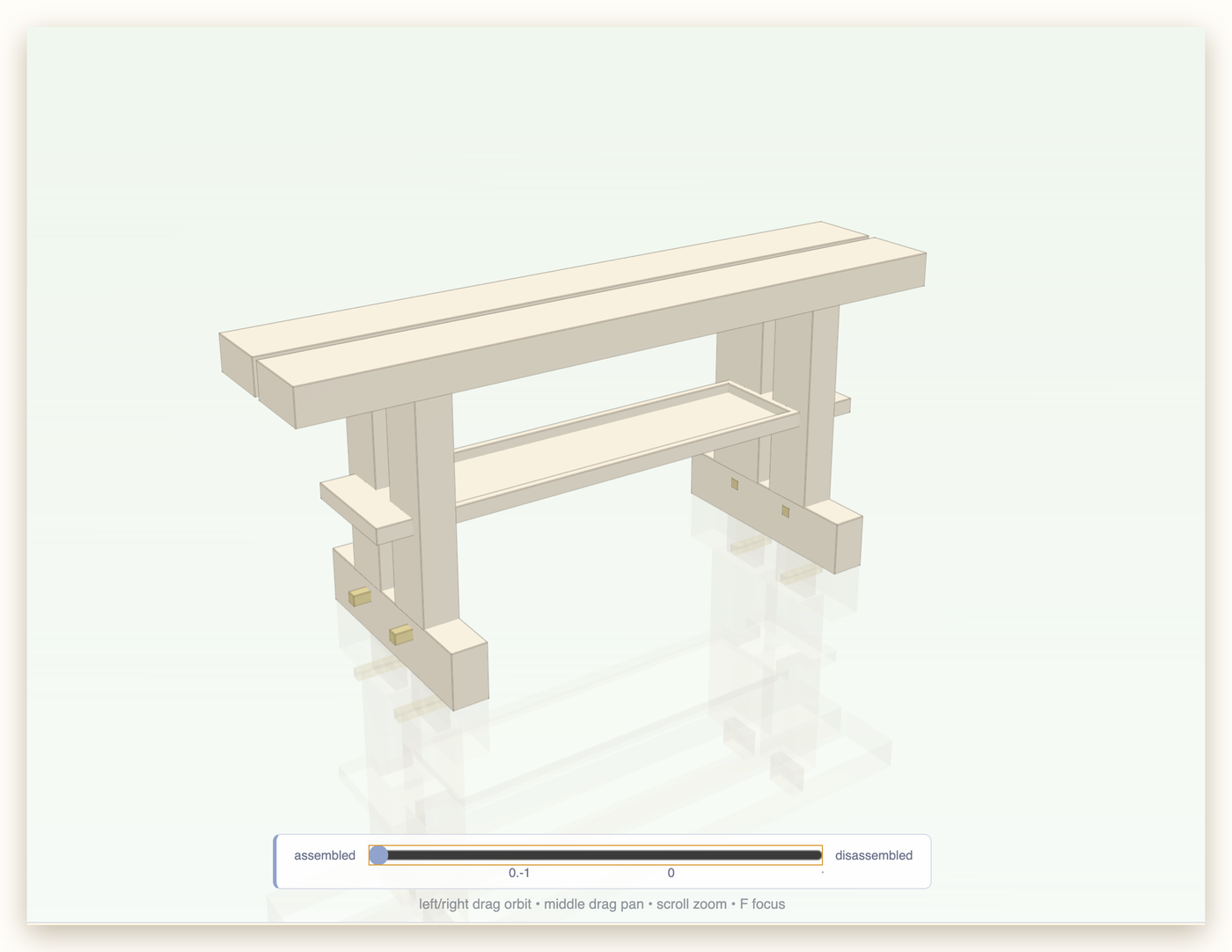
Kumiki solves which timbers can be moved into place, and in what order, from the joints themselves — then plays it back so you can watch the frame come apart.
- Assembly order derived from how each joint actually goes together
- Scrub from assembled to disassembled to read a sequence
- Catches a frame that cannot be assembled before you cut it
Built with Kumiki
Frames, joints and finished work
Agentic CAD
Built for AI agents and human woodworkers alike
Kumiki frames are written in clean, declarative Python with exact rule arithmetic. Point your AI coding agent (Claude, Cursor, Copilot, ChatGPT) at our specifications, and watch it formulate authentic joinery without floating-point errors.
1. Prompt your agent
Ask in natural language for timber frames, sheds, sawhorses, or Japanese joints.
"Design a 12x16 timber pavilion with 6x6 posts, tie beams, and pegged mortise-and-tenon joints in Kumiki" 2. Zero-hallucination context
Agents ingest llms.txt or
llms-full.txt to get precise rule types,
coordinate systems, and joint methods in a single context fetch.
3. Inspect live in Kigumi
The agent reloads the frame in the Kigumi VS Code viewer, reads session diagnostics, and inspects joints in X-ray view until the frame is verified.
Setup guide →Frequently asked questions
Timber framing, parametric CAD & AI workflows
What is Kumiki?
Kumiki is an open-source programmatic CAD library for Python designed specifically for timber framing, post-and-beam construction, and woodworking joinery. It pairs with the Kigumi VS Code extension for live interactive 3D rendering, CSG inspection, and parametric Kiwari tuning.
How does Kumiki compare to OpenSCAD, CadQuery, or FreeCAD for woodworking?
General-purpose CAD software treats joints as manual boolean CSG cutouts that break whenever timber sizes or spans change. In Kumiki, joinery (mortise-and-tenon, dovetails, scarfs, half-laps, gooseneck splices, housings, pegs) is parametric and self-healing: changing a dimension or span automatically recalculates all cuts, housings, and clearances across the frame.
Can I use AI coding agents (Claude, Cursor, Copilot, ChatGPT) to design timber frames with Kumiki?
Yes. Kumiki is designed from the ground up for agentic workflows. Because frames are declarative Python using an exact rational rule system, AI agents can reliably generate, refactor, and validate structural models without floating-point errors. Agents can consume our standardized llms.txt and llms-full.txt endpoints for complete context.
What types of woodworking joinery does Kumiki support?
Kumiki supports over 30 traditional and modern timber joints with full parametric variations, including mortise and tenon (square, housed, through, wedged, pegged, drawbored), lap joints (corner laps, cross laps, mitered laps, half-blind laps), dovetails (standard, wedged half-dovetail, drop-in dovetails), scarf and splice joints (splined opposing scarf, lapped gooseneck / kanawa-tsugi), tongue-and-fork rafter joints, and drop-in housed joist pockets.
What is the Kigumi VS Code extension?
Kigumi is the companion 3D viewer for Visual Studio Code and Cursor. It executes your Python frame script in the background, renders the assembly in real-time, provides X-ray joint inspection, lets you walk the CSG tree, toggle layers, and adjust parameters live with Kiwari sliders.
Can Kumiki export 3D models and manufacturing files (STEP, STL, OBJ)?
Yes. Kumiki can export frames and individual timbers to STL and OBJ for 3D rendering and 3D printing, and STEP format for fabrication, CNC milling, and architectural BIM workflows.
Start with a sawhorse, end with a barn
Kumiki installs as a Python package; Kigumi installs from the VS Code marketplace. The patterns that made everything on this page ship with it.